Create a poll
Ask questions, collect answers and see what people prefer.
Get started
- Add a title, your questions and the answer choices.
- Choose whether voters need to give their name and email.
- Choose when people can see results and whether names are shown.
- Create the poll and share its link.
- Check the answers and close the poll when you’re finished.
Names and email
Choose one of three options:
- Required: Everyone must enter a name and email.
- Optional: People can vote anonymously or give a name, email or both.
- Anonymous: People vote without giving a name or email.
Email addresses are private. They are not shown to you or other voters.
Results and privacy
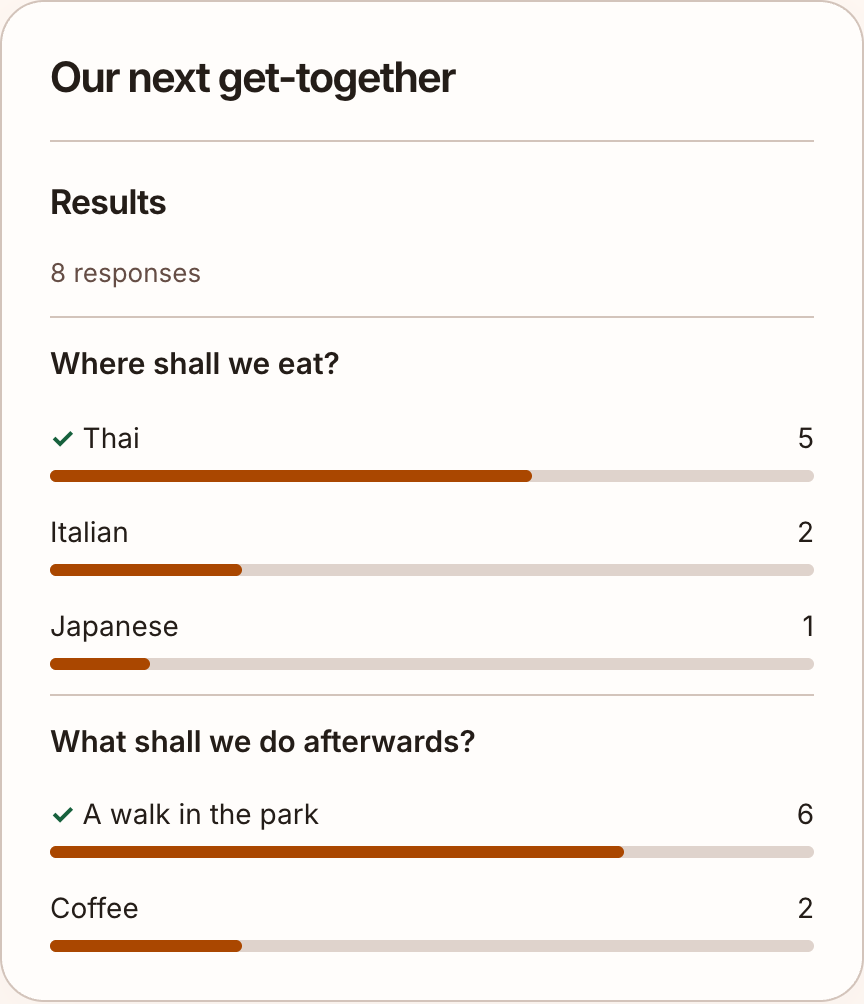
You can show results before people vote or only after they vote. You can show names with the results or show counts only.
Choose these settings carefully. Once the first response arrives, you cannot change the voter identity or results privacy settings.
For an anonymous poll, avoid asking questions or inviting comments that reveal who someone is.
Changing an answer
People can return in the same browser to change their answers while the poll is open. If they provided an email, they can also use it to recover their response in another browser. A name alone does not allow email recovery.
Once the poll closes or its deadline passes, answers cannot be changed.